Sheetcam job import
Joel SteinerApr 2019 comments
Just an idea, if it's feasible to develop -- I have a bunch of Sheetcam job files for partially-cut sheets in my rack.
Attached a 3/8 plate job file from the shop if it helps. 60" (Y) x 120" (X)
19 Comments
showing 11–15 of 19Perfect, I received the DXF file for this job file. I'm making headway though
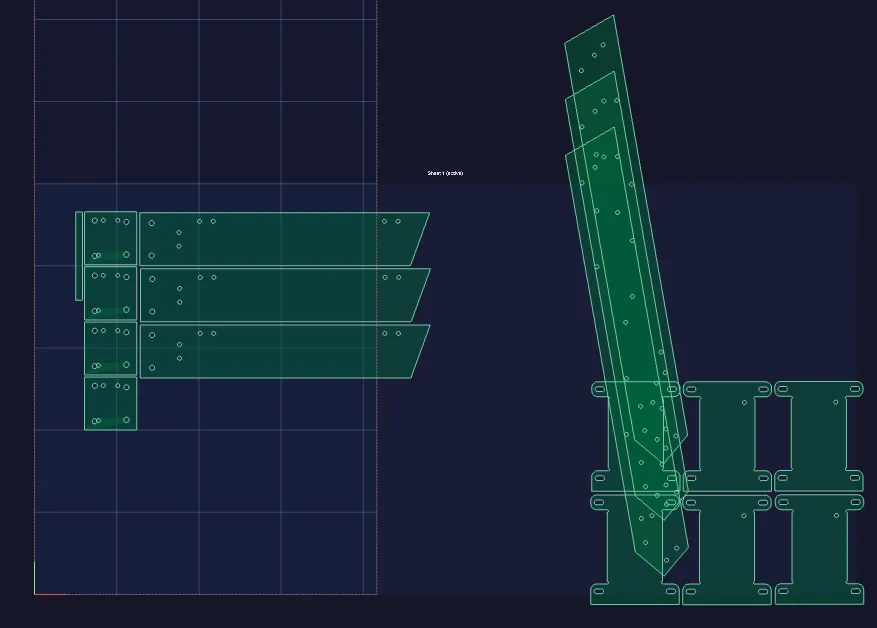
I got to thinking I had an archive of old files on my NAS from 10 years ago when I used SheetCAM in the shop and sure enough, I found quite a few job files there. So I have more data to work from and older SheetCAM Job file versions that I can support. The parts are stored in a binary blob so version changes are entirely breaking if they changed anything about the blobs struct that gets output to the file
Hey Joel,
I finally have the SheetCAM Job file you provided importing parts correctly and the nesting is correct. The last little issue I see is I have something off with the sheet origin translation from what SheetCAM does internally to the way JetCad3 handles things.
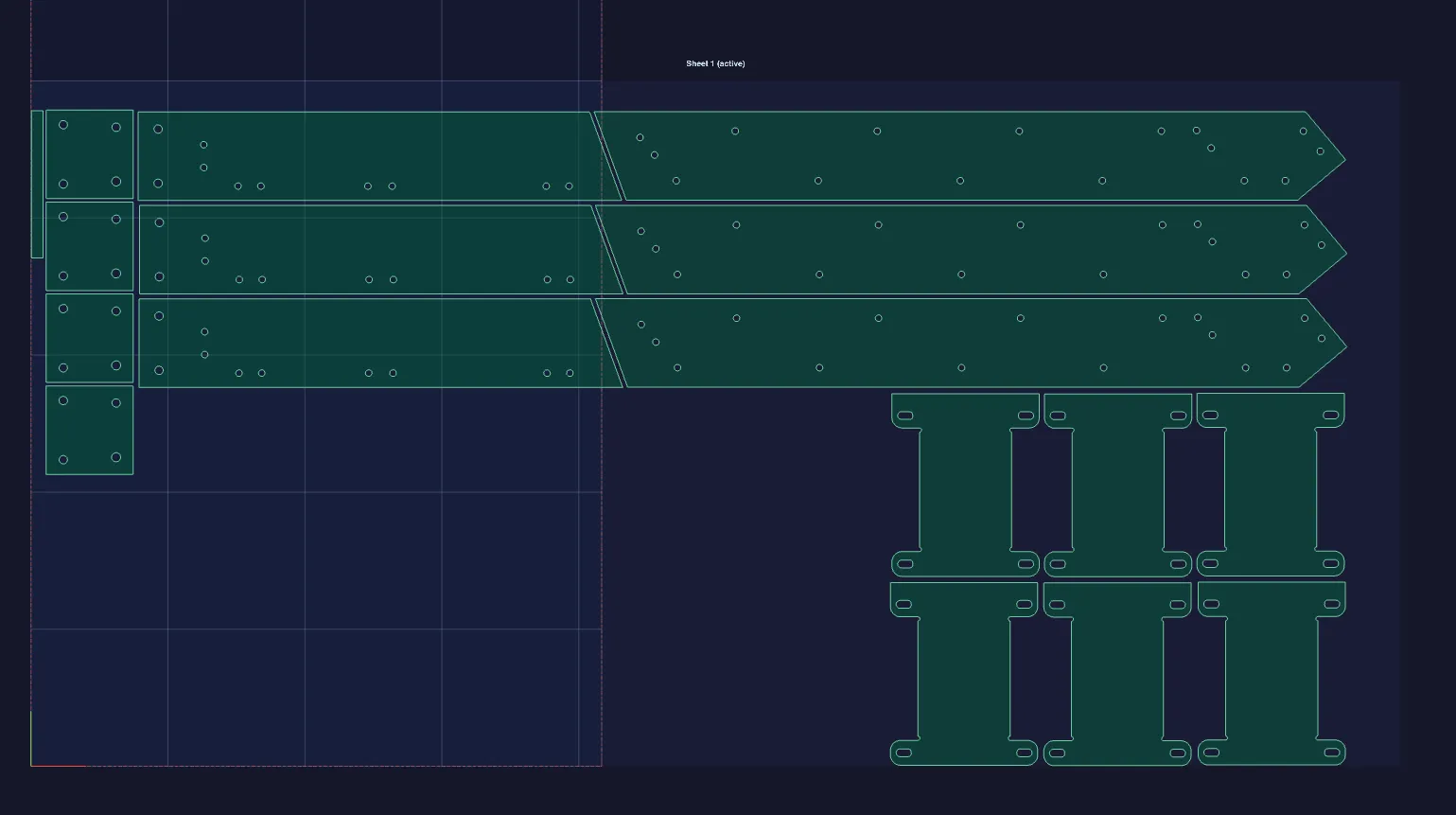 I suspect that the screenshot you provided of this job file opened in SheetCAM has the sheets origin at the bottom right, can you confirm this for me so I can tackle this last bit?
The good news is after I have that sorted, I just need to harden the SheetCAM job files version support across all the older files I have. Once that's done, this is ready to be merged into the main branch and it will possibly be published today, depending on what I run into with the version hardening. Since SheetCAMs job file format is not published/documented by them, all of this has been sorted out with a hex editor and custom built tooling lol so it's been incredibly time consuming but it's nearly ready!
Amazing!
Origin at bottom left. That's always where I work from.
I start cutting parts at top right though, furthest from my origin point. Then my origin point remains solid & uncut clear up til the sheet is fully used. Always easy to accurately find zero after reloading a partially cut sheet.
Thanks!
Good to know.
I'm gonna set up the import path so that if a single job is selected at import time, it will give the option to preserve nesting, sheet origin, and sheet size. If multiple job files are selected at once at import time, it will just import the geometry and assume we'll nest via JetCad3. I think this is the best way to handle is so that there's a fast path to just get a bunch or geometry across multiple job files in and use JetCad3 rich nesting features to get them laid out hopefully with better sheet utilization that they where in their respective job files.
Sure, suit yourself there. I very rarely reuse geometry in sheetcam files for cutting later; I only keep them around so I can nest more pieces into partially used stock. When I want to cut the same part again I just go find the original DXF or SVG file and re-import it. Often I've done updates to design after building one copy of something, so I want to ensure I have the most up-to-date file if I cut again.
Sign in to leave a comment or vote.
Sign In